


Please choose from the following topics:
Frequently asked questions
- How do I upload my first project?
- How do I upload an image/s?
- How do I upload a video?
- Do I need to add a project title, description and tags?
- How do I add additional projects?
- How do I edit one of my projects?
- Can I rearrange the projects on my profile?
- Can I rearrange the images and videos in a project?
- How do I credit others in my uploaded project?
HOW DO I UPLOAD MY FIRST PROJECT?
Industry Creatives and Brands also have the ability to add a SHOW to their profile. This is where you can add visual material, whether it be your latest collection or a significant photoshoot. You can add a ‘SHOW’ to your profile by going to Edit Show in your Account drop down menu.
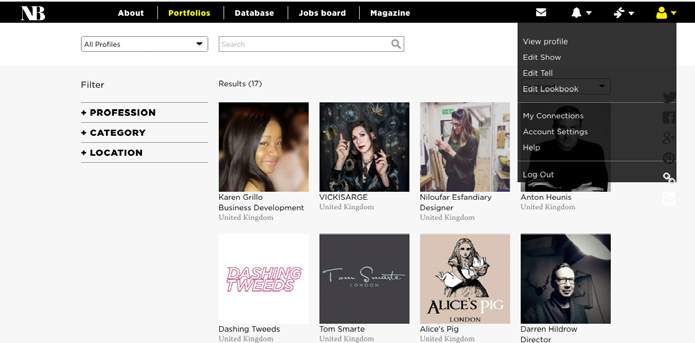
You will be taken straight to an upload box for your first project. For future projects you will be taken to a list of your published and WIP projects
HOW DO I UPLOAD AN IMAGE/S?
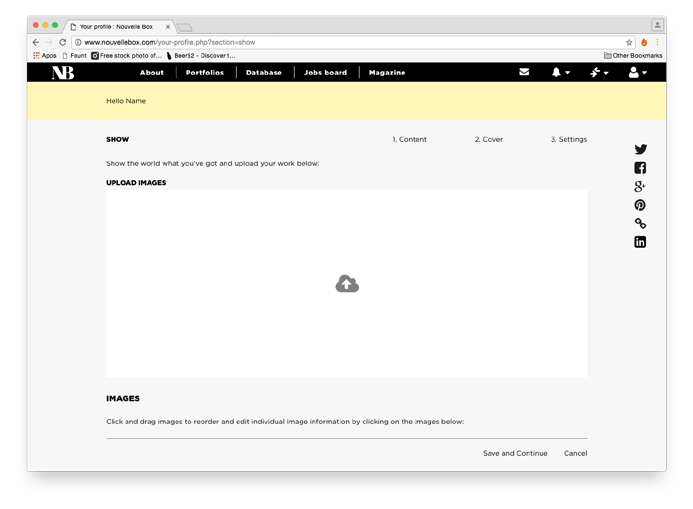
Please add one 'project' at a time. The number of images within each project and the number of projects that you can upload is defined by your profile plan. You can upload images by clicking or by dragging images into the upload box.
HOW DO I UPLOAD A VIDEO?
You can upload a video in the same way as an image. You must first set up a project that the video will appear in. Find out how to add a project.
DO I NEED TO ADD A PROJECT TITLE, DESCRIPTION AND TAGS?
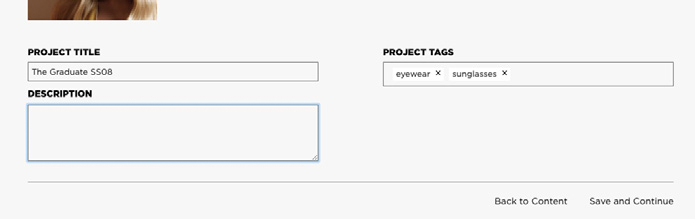
It is advisable to add project titles, descriptions and tags to get the best out of your profile – they make it more searchable and look more appealing and complete. Just use the imput boxes in stage 2 of the project upload – remember to add commas between each tag to separate them.
HOW DO I ADD ADDITIONAL PROJECTS?
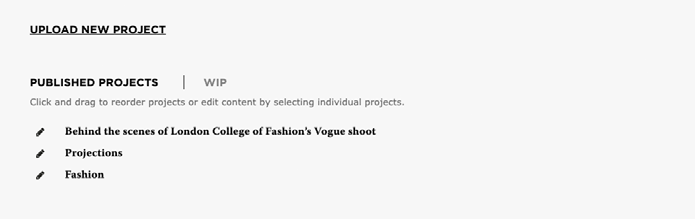
The number of projects that you can add is defined by your profile plan. You can add and manage your projects in Edit Show in your account drop down menu, where you will be taken to a list of your published/WIP projects. You can add another project by selecting ‘Upload new project’.
HOW DO I EDIT ONE OF MY PROJECTS?
It is very easy to make changes to any of your projects. Simply click the pencil icon on any project in Edit Show to change details or uploads in that project.
CAN I REARRANGE THE PROJECTS ON MY PROFILE?
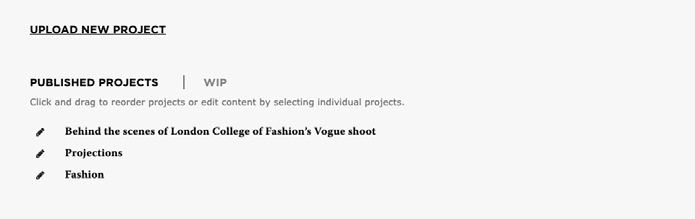
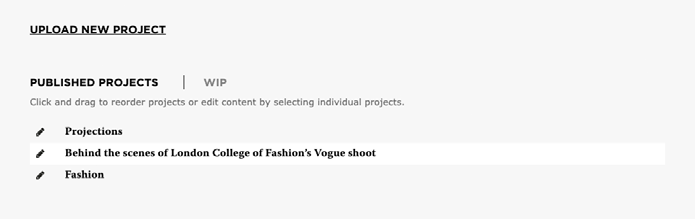
We’ve made it very easy to organise and arrange your projects, so that you can make your profile really stand out. When you have a number of projects uploaded you can drag and drop them into any order on the Edit profile page.
CAN I REARRANGE THE IMAGES AND VIDEOS IN A PROJECT?
You can easily rearrange and organise your uploaded images and videos within each project. Click the pencil icon on any project in Edit Show to change details or uploads in that project.
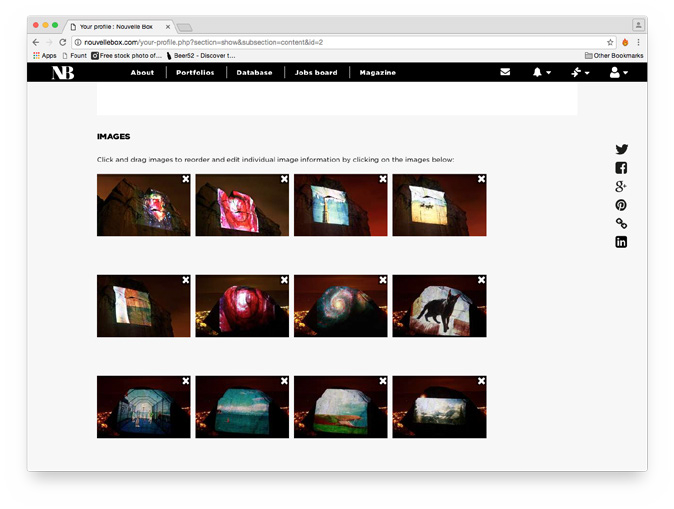
At the bottom of the first page ‘1. Content’ there will be a summary of your uploads. You can easily change the order of these images and videos by dragging and dropping.
HOW DO I CREDIT OTHERS IN MY UPLOADED PROJECT?
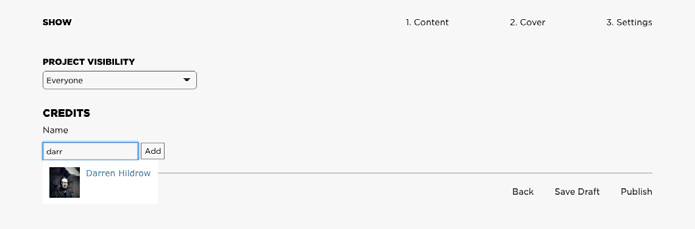
In section three ‘3. Settings’ of editing a project, you can credit others where you have worked on that project together. To do this simply type their name in the box provided, if they already have Nouvelle Box profiles, you can link the project directly to their profile by selecting their name. If the user does not have a Nouvelle Box profile, you can still credit them by selecting ‘Add’ after you have inputted their name.
The project will not show on the creditors profile, but their name will appear under the project on your profile.


Contact us


Design : Creative Interpartners
Website by Beachshore