


Please choose from the following topics:
Frequently asked questions
HOW DO I CONNECT WITH ANOTHER NOUVELLEBOX USER?
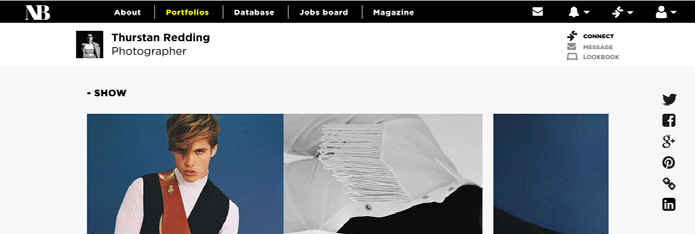
At the top of every NouvelleBox portfolio, you will find the users information and a button to ‘Connect’, simply select this to connect to the user. The other user will have to accept the connection before you are connected. Once connected you will be able to message the user as well as view and request items in their lookbooks.
N.B. Gold users are able to message and use the lookbook functionality without having made a connection.
I AM CONNECTED TO ANOTHER NB USER, NOW WHAT?
Once connected, you are able to message your Connections as well as view and request items in their lookbooks. You will also be able to view projects that they have hidden from public view.
HOW DO I MANAGE MY CONNECTIONS?
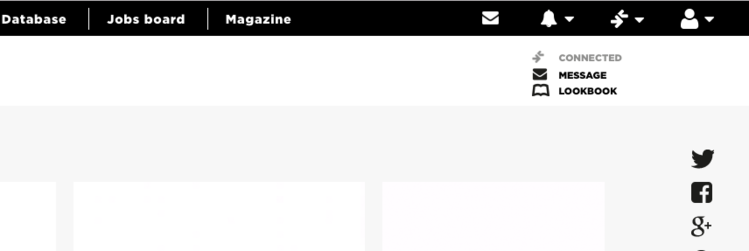
You can see all of your connections in ‘My Network’ in your account drop down menu. From here you will be able to search and quickly visit any of your connections profiles. You can remove your connection to users by visiting their profile and clicking ‘Connected’.


Contact us


Design : Creative Interpartners
Website by Beachshore